Bring it to the nearest branch or call
- Vilnius Kareivių g. 11A +370 655 77057
- Kaunas Savanorių pr. 155 +370 639 69600
- Klaipėda Sausio 15-osios g. 13 +370 647 07741
- Šiauliai Gegužių g. 30 +370 682 29052
All branches are open Mon–Fri 9:00–18:00
A Hyundai navigation update is needed when the system directs you through turns that disappeared long ago, or does not know about new roundabouts or bypasses. On this page you will find which Hyundai models are suitable for a USB update, which for a CD set, which countries the maps cover, and what to do if the navigation does not work.
Below you will find information on how the price is determined, the most common problems, how the work is carried out, and answers to frequently asked questions. If you are unsure which system is installed in your car, it is enough to tell us the model and year of manufacture.
Most common Hyundai navigation problems
Here is why Hyundai navigation most often does not work or shows incorrect data, and what you can check yourself.
Hyundai navigation shows old maps
The maps are stored in the system and do not update on their own. If they have not been changed for several years, new streets, roundabouts and bypasses are simply not there.
What you can check yourself: Check the map version in the system menu and compare it with the year of the car. If the version is old, an update is unavoidable.
We update the maps to the latest version: for USB systems (hy1) and CD systems (hy2).
Why the navigation does not work: the screen shows „no GPS signal”
The signal may be missing because of a covered antenna, an underground car park or a dense forest. If the signal does not appear even in an open area, the antenna or its connector may be faulty.
What you can check yourself: Drive to an open area and wait a few minutes for the system to find satellites. Check whether any metallized film that blocks the signal is stuck to the windscreen or dashboard.
We determine whether the problem is in the antenna, the connector or the software, and tell you what can be done.
The navigation does not turn on, or it starts and freezes
The most common cause is faulty or incomplete software, damaged map files or internal disk errors. Sometimes the problem is caused by a weak battery or a power supply fault.
What you can check yourself: Try switching off the ignition, waiting a few minutes and restarting. Check that the car battery is strong.
If possible, we restore the system software. Before that, we find out the cause of the fault.
Hyundai navigation does not read the CD
In „Turn by Turn” systems, discs are read by a mechanical reader that wears out over time. Another common cause is a scratched or dirty disc.
What you can check yourself: Remove the disc, check for scratches and gently wipe it with a soft cloth from the center toward the edge. Try another disc from the set.
We inspect the reader and, if possible, repair it. If the disc is damaged, we discuss replacing it.
Navigation without internet: does the Hyundai system work?
Factory navigation stores the maps itself (on an HDD or on discs), so it does not need the internet. The internet is only needed for phone apps such as „Google Maps”.
What you can check yourself: If the navigation shows your position in a forest or outside the city but does not show roads, the problem is most likely not the connection but the map, which does not include these places.
We update the maps to cover more roads and areas.
The system does not show a new road or road section
Newly built roads only get into the maps with a new release version. An older version does not recognize them, so it routes you around.
What you can check yourself: Check when the system was last updated. While driving, also watch the road signs.
We install the latest map version for the USB or CD system.
USB update failed or the system does not detect the storage device
The USB format may be unsuitable, the files may be corrupted, or the writing process may have been interrupted. A failed update sometimes leaves the system with an error.
What you can check yourself: Do not try to copy the files several times and do not interrupt the update by switching off the ignition. It is better to stop and contact a technician.
If possible, we restore the firmware and perform the update again.
Navigation shows an inaccurate position
This can happen because of outdated maps, a weak signal in dense urban areas or in a forest, as well as antenna problems. In such environments the signal is reflected by buildings and trees.
What you can check yourself: Wait in an open area until the position stabilises. If the inaccuracies keep occurring everywhere, the problem is in the system.
We identify the cause and offer an update or an antenna check. We agree on the price after the inspection.
Which Hyundai models is the USB update (hy1) suitable for?
Code hy1 is for systems with an internal hard disk drive (HDD) that are updated from a USB storage device. According to our list, these are the Hyundai ix35, Santa Fe, ix20 and i30 from 2010, as well as the i40 and Veloster from 2011.
After the system is updated, you get the latest maps: a detailed map of Lithuania and more than thirty European countries, including Latvia, Estonia, Poland, Germany, France, Italy, Spain, the Scandinavian countries, Great Britain and Ireland. You can check the full list of countries at a branch.
The maps are stored in the system itself, so the navigation works without an internet connection. This is especially convenient in the countryside, in forests or in mountainous areas, where the mobile signal disappears but the satellite signal remains.
- Hyundai ix35, Santa Fe, ix20, i30 – from 2010
- Hyundai i40 and Veloster – from 2011
- Updated from USB, maps are loaded onto the internal disk
- Detailed map of Lithuania and maps of European countries
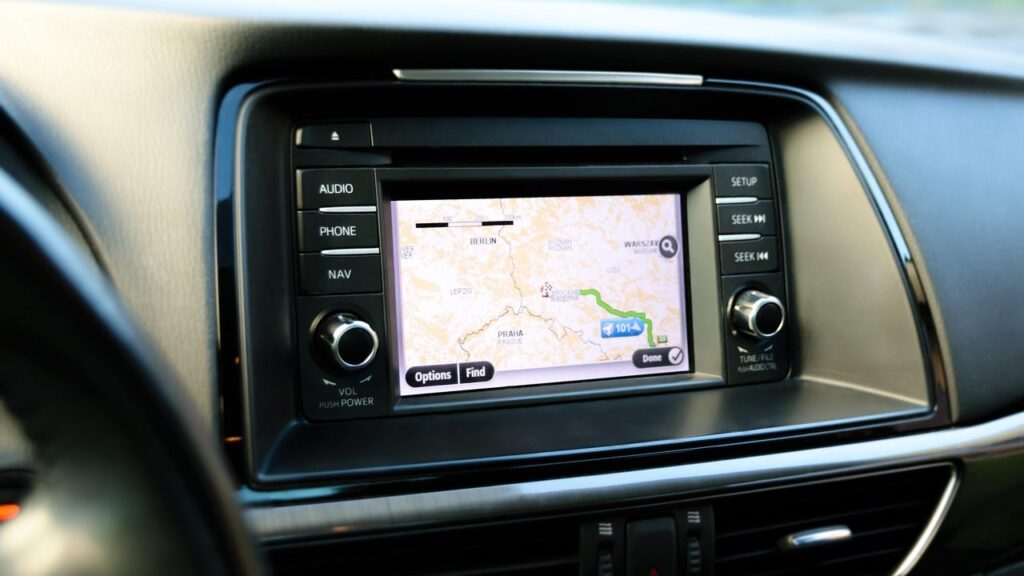
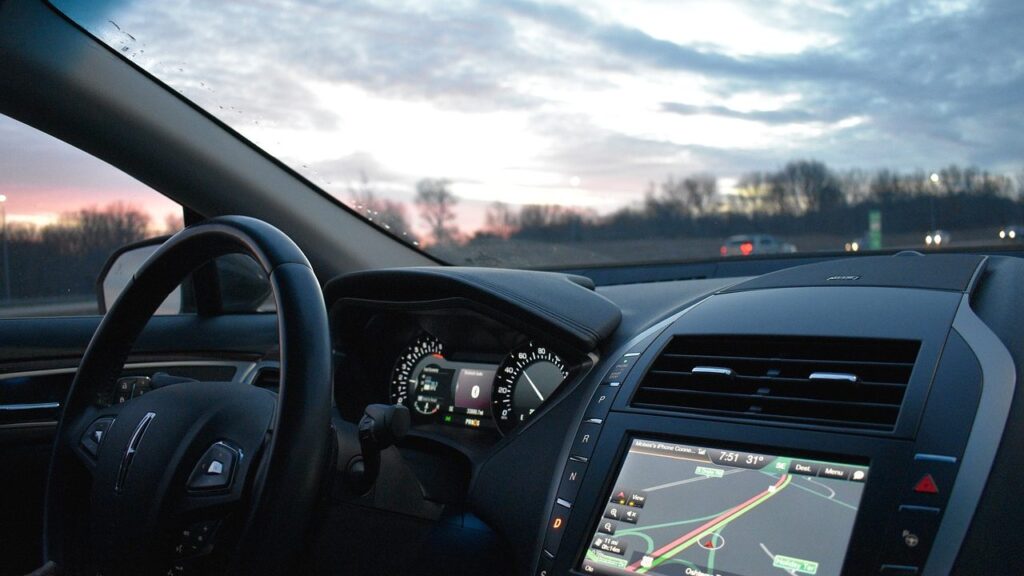
The navigation screen or menu may look different from the photo on the page. The most important factor is the car’s year of manufacture, which we use to choose the right solution.
Hyundai navigation with CD discs (hy2): what is important to know
Code hy2 is for older „Turn by Turn” systems that read maps from compact discs. These are various Hyundai cars manufactured before 2010. Because screens and menus differ, it is best to check by the car’s year whether the set will suit your specific model.
The map set consists of eleven discs, divided by region. For example, Lithuania (detailed map), Latvia, Estonia, Poland, the Czech Republic, Slovakia, Hungary, Romania and Bulgaria are on the third disc, Germany on the seventh, and the Scandinavian countries on the ninth. The eleventh disc contains maps of the main European roads.
- CD1 – Belgium, Netherlands, Luxembourg
- CD3 – Lithuania (detailed), Latvia, Estonia, Poland, Czech Republic, Slovakia, Slovenia, Croatia, Hungary, Romania, Bulgaria
- CD7 – Germany, CD8 – Italy, San Marino, Vatican, Greece
- CD9 – Denmark, Sweden, Finland, Norway
- CD11 – Maps of the main European roads
Is it worth updating the factory navigation instead of using a phone?
Many drivers look for free navigation or use Google Maps on their phone. This is convenient, but it has drawbacks: it requires mobile internet, the phone overheats in the sun, and in the countryside or in forests the connection often disappears. The factory system works independently of the network, shows directions right on the car’s screen and does not drain the phone’s battery.
On the other hand, if your system is older and the screen shows only the main roads, an update brings clear benefits: new bypasses, intersections and speed limits.
You can read about how satellite navigation works and why the signal sometimes disappears in the article How a GPS navigation system works.
Keep your phone as a backup option, and for long trips and areas without a connection, rely on the stored maps.
What to bring to the branch
Come to the branch with your car or its details: model and year of manufacture. If you have old discs or a USB storage device, bring them – this will help determine the system type faster.
If the system no longer shows new road sections, this is a sign that the maps are outdated. You can find more about systems of other brands on the page navigation map updates.
- Car model and year of manufacture
- Old navigation CDs or a USB storage device, if you have them
- A description of the problem: whether the system does not turn on or shows old maps
How the Hyundai navigation update works
- Drop by a branch. There is no need to register or call in advance – come with your car’s navigation to one of the branches in Vilnius, Kaunas, Klaipėda or Šiauliai during working hours. The branches are open Mon–Fri 9:00–18:00.
- Provide the model and year of manufacture. Based on these, we determine whether your system is USB (hy1) or CD (hy2) and which maps are suitable.
- We discuss the price. We tell you the price and agree on which countries’ maps you need. The price must be clear before work begins.
- We update or repair the system. We install the latest maps. If the system does not work, we first diagnose the fault and, if possible, fix it.
- We check the result. We make sure the system starts up and displays the new maps, and then hand it back to you.
Frequently asked questions about Hyundai navigation updates
How much does a Hyundai navigation update cost?
The price depends on the type of system (USB or CD) and the selected maps. We give the exact amount once we know the car’s model and year of manufacture.
How do I find out whether a USB or CD update is suitable for my Hyundai?
USB (hy1) is suitable for the ix35, Santa Fe, ix20, i30 from 2010, and the i40 and Veloster from 2011. CD (hy2) is intended for various Hyundai cars up to 2010. If you are unsure, call us and tell us the year.
Does Hyundai navigation work without the internet?
Yes, the factory-installed system stores the maps itself, so no internet is needed. It is only needed for phone apps, such as „Google Maps”, unless you have downloaded the maps in advance.
Can I use free navigation instead of an update?
Free phone apps are fine for everyday trips, but they often need the internet, and outside towns and in forests the signal drops out. A factory-installed system with updated maps works anywhere there is a satellite signal.
Which countries do the maps cover?
The USB system maps include detailed Lithuania and more than thirty European countries, from Latvia and Poland to Spain, Norway and Great Britain. The CD set consists of 11 discs, arranged by region.
Do you also update navigation systems of other brands?
Yes, we have separate pages for many brands, for example KIA navigation or TOYOTA navigation. You can find updates for portable TomTom or Garmin devices here: TomTom, Garmin, iGo.
Where can I get my Hyundai navigation updated?
At our branches in Vilnius, Kaunas, Klaipėda and Šiauliai, Mon–Fri 9:00–18:00. You can find addresses and contact details on the contacts page.