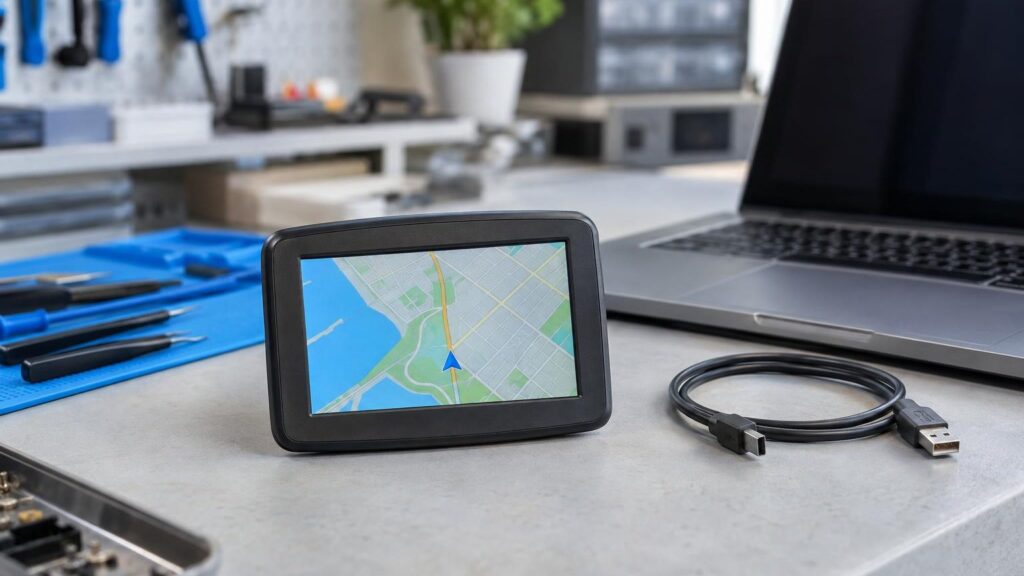
Bring it to the nearest branch or call
- Vilnius Kareivių g. 11A +370 655 77057
- Kaunas Savanorių pr. 155 +370 639 69600
- Klaipėda Sausio 15-osios g. 13 +370 647 07741
- Šiauliai Gegužių g. 30 +370 682 29052
All branches are open Mon–Fri 9:00–18:00
If you are looking for a place to get a navigation update, this page is for you: here you will find the starting price for updating maps on portable TomTom, Garmin and iGo devices, when you can do it yourself and when it is better to come to a technician. We will also cover the most common issues – from the “no map” message to a screen that no longer responds.
Map updating and navigation repair are two different jobs, but people often confuse them. That is why below you will find a price list, a list of symptoms, a few tips before your visit and a short answers section. If your car brand is mentioned in the links, you can also view the page dedicated to that specific brand.
Navigation update prices
Below are the navigation update and repair services listed in the price list.
| Service | Price | Warranty |
|---|---|---|
| Portable navigation update (iGo, TomTom, Garmin) | From €15 | – |
| Installing navigation on a mobile device | From €15 | – |
| Car navigation repair (removed units) | From €30 | 2 mo. |
Most common navigation update and operation problems
Below are the symptoms drivers most often come in with, and what you can do before your visit. No appointment is needed – just drop by during opening hours.
Navigation shows outdated streets and non-existent roads
The maps are old – new streets, roundabouts and bypasses are not included. Sometimes several map layers remain on the device and an older one is used.
What you can check yourself: In the settings, check the map version and date. If it is a portable TomTom or Garmin navigation device, try checking for updates on your computer through the manufacturer’s software.
We update the maps with the version suitable for your device. Updating portable navigation devices costs from €15, and for factory systems we give the price once we know the make and model.
How to update navigation yourself if the computer does not detect the device
The most common culprit is an unsuitable USB cable (charging only), a damaged port or the manufacturer’s software not being installed. Sometimes the problem is frozen device firmware.
What you can check yourself: Try a different USB cable and a different computer port. Make sure the device is turned on and that the “Garmin Express” or “MyDrive Connect” software is the latest version.
We inspect the cable, port and device, and tell you whether it can be updated. Portable navigation updates start from €15.
Navigation shows “no map” or “No map”
The map files have been deleted, corrupted or the update was interrupted halfway. Factory systems may be missing an SD card or not recognise its version.
What you can check yourself: Turn the device off and on again. If the navigation has a memory card, carefully remove it (while the device is off) and insert it again.
We determine whether the maps are damaged or incompatible, and install new ones. If a built-in system has no maps, we install them; the price depends on the make and model.
After the update, the navigation freezes or loads very slowly
The new maps take up more space than fits in the device’s memory, or a version that is too heavy for it has been installed. Older models lack the power to process new data.
What you can check yourself: Remove unnecessary maps (e.g. of countries you do not travel to) through the manufacturer’s software and try again.
We tell you whether the latest map version suits your model’s memory. Portable navigation updates start from €15.
Navigation takes a long time to find satellites or shows the wrong position
The usual causes are poor signal reception, a loose mount, outdated satellite data (EPO/QuickGPSfix) or a faulty GPS module. A metallised windscreen can also weaken the signal.
What you can check yourself: Go to an open area and wait 5–10 minutes. Move the mount to a different spot on the glass and check that the external antenna cable is connected (if there is one). If you are not sure what you are doing, do not take anything apart.
We inspect the device and tell you whether the problem is software-related or needs a repair. Repair of a removed car navigation unit costs from €30 and comes with a 2-month warranty.
Portable navigation unit does not turn on or does not charge
Most often the cause is a worn-out battery, a worn charging port or a broken car charger cable. Less often, it is a software error.
What you can check yourself: Try a different charger and cable. If the device is completely discharged, connect it to a charger for at least 30 minutes. Do not open the casing yourself or try to replace the battery or other internal parts.
We inspect the device and tell you what has failed and whether a repair is possible; we give the price after the inspection. Repair of a removed car navigation unit starts from 30 €, with a 2-month warranty.
Navigation touchscreen does not respond or responds in the wrong place
Most often this is caused by a cracked or damaged touch glass, moisture or a worn touch sensor connector. Sometimes recalibration is enough.
What you can check yourself: Wipe the screen with a dry microfibre cloth and restart the device. In the settings, you can try recalibrating the touch sensor.
We inspect the screen and tell you whether a repair is possible and how much it will cost. Repair of a removed car navigation unit comes with a 2-month warranty.
Factory-fitted BMW, Audi or Volvo navigation does not see the maps
Most often the map format has changed, the card or disc is unsuitable, and the car’s system only recognises files of a certain version. The reader may also be faulty.
What you can check yourself: Check that the card is fully inserted and look in the system menu to see which map version is displayed. Do not try to overwrite the system with unknown files from the internet.
We determine why the maps are not visible and install the version suitable for your model. The price depends on the make and year. For more about the most popular makes, see the page BMW navigation.
Car multimedia screen does not turn on or shows a blank image
The screen unit, the power supply or the system software may be faulty. The exact cause can only be determined after inspecting the system.
What you can check yourself: Check whether there is a blown fuse, following the car’s manual. Do not take anything else apart – car electrical systems are sensitive.
Repair of a removed car navigation unit costs from 30 €, and a 2-month warranty is provided. To learn how these systems work, read the article how a car computer system works.
Navigation update: is it really worth it?
Roads in Lithuania change constantly: roundabouts appear, traffic arrangements are altered, new bypasses are opened, and some streets become one-way. In such places, navigation with old maps shows a turn that no longer exists or tries to lead you through a closed section. The cost is not only time, but also extra fuel and frayed nerves.
It is worth updating when the maps are already several years old, when you are travelling to another country, or when you notice every day that the navigation „doesn’t know” new streets. An outdated map is not a malfunction, but the consequences on the road are similar.
It is also important to know that map versions differ. Some devices accept only files of a certain format, and factory-fitted car systems need exactly the version suited to their model and year. That is why it is not enough to simply „download the latest one”.
- the map version is older than 2–3 years;
- the navigation does not know new roundabouts, bypasses or settlements;
- you are planning a trip abroad and the memory does not contain a map of that country;
- you have just bought a used car with built-in navigation, but without maps.
Before getting in touch, write down the car’s make, model, year of manufacture and the current map version (it is usually shown in the navigation settings, under „About”) – this way we can choose the right update faster.
How to update navigation yourself, and when to contact a technician?
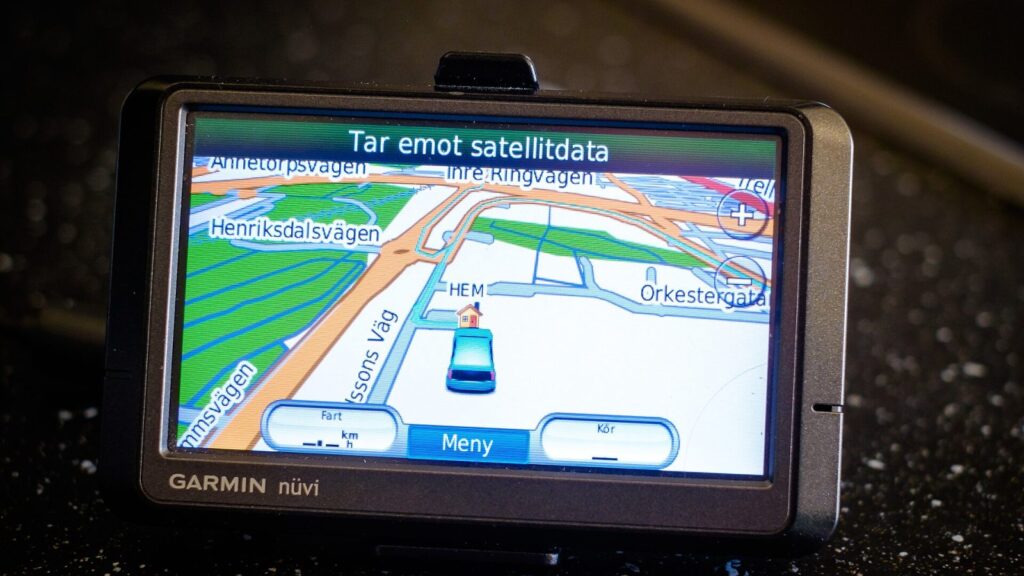
Portable navigation units are usually updated through the manufacturer’s software on a computer: Garmin uses „Garmin Express”, TomTom uses „MyDrive Connect”. You connect the device with a USB cable, and the program finds new maps and installs them. The process can take from a few tens of minutes to several hours because the files are large. You can find more about these devices on the page TomTom, Garmin, iGo update.
The situation is more complicated with factory-fitted car navigation. For some models, maps are written to an SD card or USB drive, for others to internal memory, and still others need special software. A wrongly chosen version can cause an error or even disable the navigation function completely.
That is why many people look for how to update navigation themselves, but sometimes it is simpler to entrust the work to a technician. Contact us if the computer does not recognise the device, the update gets interrupted, there is not enough memory, or the car’s system requires special flashing.
During the update, do not interrupt the power supply or disconnect the cable. An interrupted write is one of the most common reasons why navigation no longer turns on after an update.
Factory update: what to check before paying
Before paying for an update, check whether a factory navigation update under warranty still applies to you. This is relevant for Garmin and TomTom devices, as well as some car systems. The conditions are set by the manufacturer and depend on the specific model, so they need to be checked in the documentation or on the manufacturer’s website.
This is not a service we provide: Taisykla7 carries out updates according to its price list and does not offer free updates.
If the manufacturer’s option is not available or does not suit you, visit our branch – we will tell you what can be done for your device and how much it will cost.
Which car makes’ navigation systems we update
Most often we are contacted by drivers whose cars have a factory-installed navigation system: BMW, Audi, Volkswagen, Mercedes-Benz, Volvo or Toyota. The list also includes Alfa Romeo, Citroen, Ford, Honda, Hyundai, Infiniti, Jaguar, Kia, Land Rover, Lexus, Mazda, MINI, Mitsubishi, Nissan, Opel, Peugeot, Porsche, Renault, Saab, Seat, Škoda and Subaru.
Each make’s system has its own specifics, so the price and duration depend on the model and year. For example, the cost of updating Volvo or BMW navigation may differ from that for Toyota or Opel, so we give the exact amount once we know the car’s details.
Can’t find your make? Call us and ask about your model.
How the navigation update works
- You come to a branch. You bring your portable navigation device, its cables and charger or, if the system is built in, you tell us the car’s make, model and year. You can visit us in Vilnius, Kaunas, Klaipėda or Šiauliai on weekdays 9:00–18:00.
- We check the device and the map version. We look at which map version is installed, whether the device works and whether an update is possible at all for your model.
- We discuss the price. We tell you the starting price of the update or repair in your case. The price for factory systems depends on the make and model.
- We update or repair. We install the suitable maps or carry out the repair. The duration depends on the device and workload; portable devices can often be updated the same day.
- We check the result and hand the device back. Before handing it back, we check that the device starts up and displays the new maps. A 2-month warranty is provided for the repair of a removed car navigation unit.
Frequently asked questions about navigation updates
How much does a navigation update cost?
Updating portable TomTom, Garmin and iGo navigation devices starts from 15 €. The price for factory-installed car navigation systems depends on the make and model, so we give it once we know the car’s details.
Can navigation be updated for free?
Taisykla7 performs updates according to its price list and does not provide free updates. Some manufacturers offer factory updates for certain devices or cars, but the terms should be checked in the documentation or on the manufacturer’s website.
How long does a navigation map update take?
The duration depends on the device and workload. Portable navigation devices can often be updated the same day, and we will tell you the duration for factory systems when you come in.
Can I update the navigation myself?
Portable TomTom and Garmin devices can usually be updated on a computer using the manufacturer’s application. For built-in car systems, it is better to contact a technician, because an unsuitable version can damage the navigation.
Do you update navigation in Alytus, Panevėžys or Marijampolė?
We do not have branches in these cities. Work is carried out at our branches in Vilnius, Kaunas, Klaipėda and Šiauliai, which are open Mon–Fri 9:00–18:00.
Do you update Volvo or BMW navigation?
Yes, we update or repair the navigation of Volvo, BMW and many other makes. The price depends on the model, year and system type.
Is it worth saving my addresses before the update?
Yes, this is a general recommendation. Depending on the device, saved places or routes may remain after the update, but they may also be lost, so it is worth writing down important addresses.
Do you provide a warranty?
A 2-month warranty is provided for the repair of a removed car navigation unit. A warranty for other services is not specified in the price list – please ask about them at a branch.