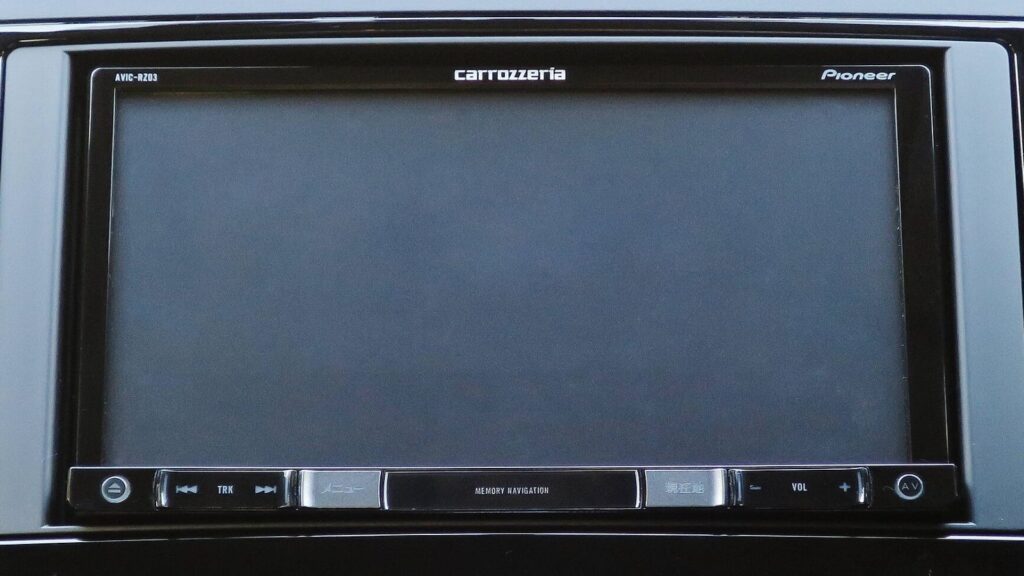
Bring it to the nearest branch or call
- Vilnius Kareivių g. 11A +370 655 77057
- Kaunas Savanorių pr. 155 +370 639 69600
- Klaipėda Sausio 15-osios g. 13 +370 647 07741
- Šiauliai Gegužių g. 30 +370 682 29052
All branches are open Mon–Fri 9:00–18:00
A MINI navigation update is needed when the old map shows you driving through a field, does not know about new roundabouts, or does not include your country at all. This page is intended for owners of first-generation MINI cars whose navigation runs from CDs, as well as for those looking for information about navigation in the „MINI Countryman“ or other models.
Below you will find which cars are compatible, which discs make up the Lithuania and Europe set, approximate prices, the most common causes of faults, and a simple process: from the phone call to a tested navigation system. For general information about systems from other manufacturers, see the navigation map update page.
MINI navigation update and repair prices
Approximate prices for the most common MINI navigation jobs.
| Service | Price | Warranty |
|---|---|---|
| Lithuania map update (CD3: Estonia, Latvia, Lithuania) | from €35 | – |
| Additional region map disc (one CD) | from €25 | – |
| Full map set (13 CDs) | from 90 € | – |
| Map disc replacement or copy | from €15 | – |
| Navigation diagnostics (does not read the disc, does not detect location) | from €20 | – |
| CD reader repair | from 60 € | – |
| Screen or backlight repair | from 70 € | – |
Most common MINI navigation faults and problems
These are the problems first-generation MINI owners most often come to us with. Some can be identified on your own, but you should not open up the car’s electronics.
MINI navigation shows old roads and has no new roundabouts
The disc contains an old map, while the road network in Lithuania changes every year. The navigation works properly – the data is simply out of date.
What you can check yourself: Look at which map version is indicated on the disc or in the system menu, and compare it with the place you are traveling to.
We offer a map set (code mi1). The Lithuania CD3 update starts from 35 €.
The navigation displays „Insert CD“ or cannot find the map
The wrong region has been inserted, or the disc is scratched or dirty. Less often, an outdated or worn reader is to blame.
What you can check yourself: Make sure you insert the correct disc (CD3 for Lithuania) and check that it is clean and free of deep scratches. Try another disc from the set.
We check the disc and the reader. Disc replacement starts from 15 €, diagnostics from 20 €, reader repair from 60 €.
The navigation does not read the disc or takes a very long time to load
Most often the laser head is worn or dust has contaminated the reader. In summer, because of the heat in the cabin, performance may deteriorate.
What you can check yourself: Remove the disc, inspect its surface, wipe it with a soft cloth from the center outward, and insert it again.
After diagnostics, we clean or repair the reader. The price starts from 60 €.
MINI navigation does not determine the location or shows the wrong one
The cause may be a weak signal, a disconnected battery, a damaged antenna cable or a system error. The first time after a long break, determining the location takes longer.
What you can check yourself: Drive to an open area, away from buildings, and wait a few minutes. If the battery was replaced beforehand, try again after driving a few kilometres.
We check the location detection and the connection with the system. Diagnostics – from €20.
Dark, faded or flickering MINI navigation screen
The screen backlight is getting weaker, a connector has come loose or the video board is malfunctioning. Sometimes the picture disappears only when the interior heats up.
What you can check yourself: Try changing the brightness settings. If the picture disappears constantly, you should not open the device.
During diagnostics we determine whether the fault is in the backlight, the connector or the board. Screen repair – from €70.
Mini Countryman navigation – how to update the map
The Countryman is a newer generation than the CD system up to 09.2005, so the map type and the update method are different. It depends on the year and the system type.
What you can check yourself: Find your car’s year of manufacture and the name of the navigation system in the menu or in the owner’s manual.
Visit our branch during working hours – we will check whether it can be updated. Similar MINI and BMW solutions are described on the page BMW navigation.
Mini Cooper navigation does not work after a battery replacement
When the power is disconnected, the system may lose its settings, and sometimes a code is requested. In that case the system needs to be restarted.
What you can check yourself: Wait until the system has fully started up and insert the map disc. If it asks for a code, look for it in the documents you received when buying the car. You should not disconnect the battery or open the car’s electronics yourself – you could damage the system.
If the problem does not go away, we carry out diagnostics from €20. For codes and system start-up, simply visit our branch during working hours.
Navigation is silent or there are no voice instructions
The sound may be switched off, the voice volume set too low or the connection with the speakers disrupted.
What you can check yourself: Check the navigation volume level and whether the radio or another audio function is muted.
If the settings are fine, we check the connections and the audio output. Diagnostics – from €20.
MINI navigation update: which cars are suitable?
Our set of Lithuanian and European maps (code mi1) is intended for all MINI models with a colour screen manufactured before September 2005. These are first-generation cars whose navigation reads maps from compact discs.
If your car is newer, the system may be completely different: it is usually not compatible with the standard CD set. Therefore, before buying or coming to the branch, check the manufacturing date in the registration documents and tell it to the consultant.
- Colour screen and manufactured before 09.2005 – the mi1 set is suitable.
- Manufactured after 09.2005 or a different navigation system – we will check the model before offering anything.
- MINI Countryman and other newer models – the system is of a different generation, so it is necessary to confirm by year and equipment.
Before calling, write down the model, year and month of manufacture – this shortens the conversation and immediately makes clear whether the set will fit.
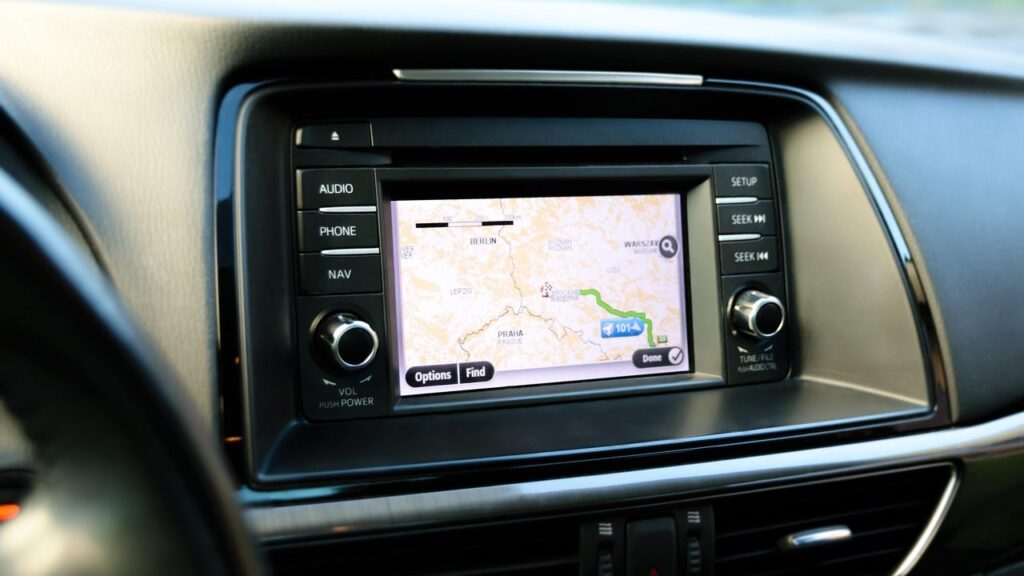
Which map discs make up the MINI navigation set?
The set consists of 13 CDs, each intended for a separate region. For those who drive around Lithuania daily, one disc is enough, and for trips abroad the necessary regions are selected.
The detailed map of Lithuania is on CD3 together with Estonia and Latvia. The map of main European roads (CD13) is suitable when you only need to drive through a country on motorways rather than look for a specific street.
- CD1 – Belgium, Netherlands, Luxembourg
- CD2 – Austria, Liechtenstein, Switzerland, southern Germany, northern Italy
- CD3 – Eastern Europe 1: Estonia, Latvia, Lithuania (detailed)
- CD4 – Eastern Europe 2: Bulgaria, Czech Republic, Croatia, Poland, Romania, Slovakia, Slovenia, Hungary
- CD5 and CD6 – northern and southern France
- CD7 – Germany
- CD8 – Italy, San Marino, Vatican City, Greece
- CD9 – Denmark, Sweden, Finland, Norway
- CD10 and CD11 – Spain and Portugal
- CD12 – England, Scotland, Ireland
- CD13 – Maps of Europe’s main roads
Driving to Poland or the Czech Republic? You will need CD4, not just the Lithuanian disc CD3.
Is it worth updating an old MINI navigation system?
Older-generation MINIs have good features: the navigation is built in, and voice instructions play through the car’s speakers. An updated map helps when roads have changed or new roundabouts have appeared.
An alternative is a phone or a portable device, such as a TomTom or Garmin. If you already like it, see our TomTom, Garmin, iGo update page. However, a built-in system needs no cables or mounts and does not need charging.
If the problem is not the map but the device itself – it does not read the disc, the screen is dark, or it shows the wrong location – diagnostics are needed first. Only once they are done is it clear whether a new disc will be enough or the equipment needs repairing.
How to look after your CD navigation so it lasts longer?
CD readers are sensitive to dust, heat and scratched discs. The most common cause of read errors is a scratched or warped disc left in the sun on the dashboard.
Keep discs in their cases, not unprotected in the door pocket, and handle them by the edges. Do not use cheap burned discs with sticky labels – in a hot car they can peel off and damage the reader.
- Keep discs in their cases, away from direct sunlight.
- Do not wipe the disc in a circular motion – wipe from the centre outwards with a soft cloth.
- Before a long trip, check that the region you need loads, rather than doing it only on the eve of the trip.
Noticed that the disc takes longer and longer to load? This is often the first sign that the reader or the disc needs attention.
How MINI navigation updating works
- Just drop by a branch. No appointment is needed. Tell us your car’s model, year of manufacture and what you want to do: update the map or repair the system. On weekdays, Mon–Fri 9:00–18:00.
- We check compatibility. We determine whether the mi1 set (colour screen up to 2005.09) suits your MINI and which regions you need.
- Diagnostics, if there is a fault. When the problem is more than just an outdated map, we check the reader, the disc, the screen and the positioning.
- We agree on the price. Before starting work, we tell you the estimated price and exactly what we will do. Once you agree, we begin.
- Update or repair. We supply the CDs you need or repair the faulty unit.
- We test and hand it back. We make sure the navigation reads the disc and shows the correct location.
Frequently asked questions about MINI navigation updates
How much does a MINI navigation update cost?
Updating the map of Lithuania and neighbouring countries starts from 35 €, and the full 13-CD set from 90 €. We will give you the exact price once we know the model and how many regions you need.
Is this set suitable for my MINI?
The mi1 set is intended for all models with a colour screen up to September 2005. If your car is newer, call us and tell us the year of manufacture – we will check whether the system is compatible.
Can the navigation in a MINI Countryman be updated?
The MINI Countryman is a newer-generation car, and its navigation works differently from the CD system up to 2005.09. Whether an update is possible depends on the year and equipment, so first call using the branch contacts and tell us the model.
Which disc is needed for Lithuania?
The detailed map of Lithuania is on CD3, together with Estonia and Latvia. These countries are already included on this disc, so there is no need to buy them separately.
Which countries does the map set cover?
The set consists of 13 CDs covering the main countries of Western, Central, Eastern and Northern Europe: the Benelux countries, Austria, Switzerland, Germany, Italy, Greece, France, Spain, Portugal, Great Britain and Ireland, Scandinavia, the Baltic states, Poland, the Czech Republic and other Eastern European countries. CD13 additionally covers maps of Europe’s main roads.
Can I come in at the weekend?
No, all branches are open Mon–Fri 9:00–18:00 and closed at weekends. We have branches in Vilnius, Kaunas, Klaipėda and Šiauliai.
What should I do if the navigation says there is no disc?
First check that the disc is inserted correctly and is not scratched. If another disc is also not read, the problem is likely in the reader – in that case diagnostics are needed.
How does a car’s GPS navigation work?
The receiver gets signals from satellites and determines the car’s position, while the road is shown by map data, in this case stored on CDs. That is why an old disc shows old roads, even if the position is determined accurately. Read more in the article “How a GPS navigation system works”.