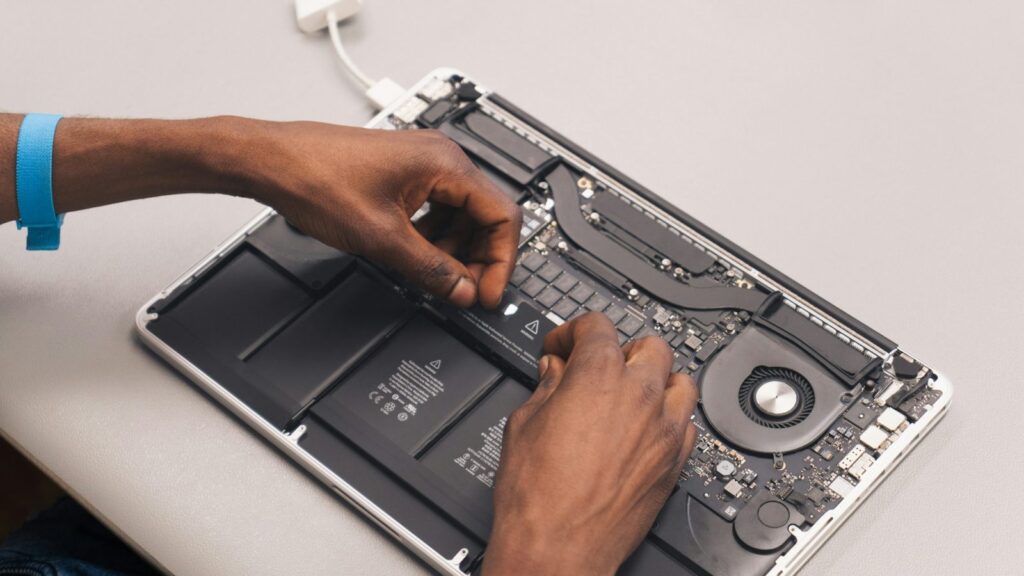
Bring it to the nearest branch or call
- Vilnius Kareivių g. 11A +370 655 77057
- Kaunas Savanorių pr. 155 +370 639 69600
- Klaipėda Sausio 15-osios g. 13 +370 647 07741
- Šiauliai Gegužių g. 30 +370 682 29052
All branches are open Mon–Fri 9:00–18:00
Virus removal is needed when your computer suddenly slows down, shows ads that were not there before, or the browser opens unfamiliar websites on its own. This page is for those who suspect an infection and want to understand what to do themselves and when it is worth bringing the computer to a technician.
Below you will find the most common symptoms, simple checks you can do at home, answers about data security and the steps of the service. If the computer does not turn on at all or you have doubts about the hardware, general computer repair may also come in handy.
Most common symptoms that call for virus removal
People usually look not for a „virus” but for what they see on the screen. Below are common symptoms and what to do about them.
The computer is very slow and freezes
Most often the culprits are malicious background processes, an overloaded startup list or cryptocurrency mining programs. However, an old drive or overheating can cause the same thing.
What you can check yourself: Open „Task Manager” (Ctrl+Shift+Esc) and see which program uses the most processor or memory. Run a full „Windows Security” scan and remove unknown programs.
We run diagnostics, distinguish the virus from a hardware cause and clean the system.
The computer does not work or does not turn on
If the computer does not respond at all, it is most often a power, memory or drive problem rather than a virus. In rare cases, malware damages system files so that the system no longer starts.
What you can check yourself: Check the power cable and socket, disconnect all external devices and try turning it on again. For more tips, see the article about a computer that won’t turn on.
Diagnostics show whether the problem is software or hardware. We fix the software side by reinstalling the system, and the hardware side according to the fault.
Pop-up windows and ads even without a browser
This is a typical sign of advertising software (adware). It usually installs together with free programs or „updates” from untrustworthy websites.
What you can check yourself: Remove recently installed unknown programs and browser extensions, then run a full scan. Do not click „Close” or „Update” in pop-up windows.
We remove advertising software and install protection.
The browser redirects to strange websites
The home page, search engine or proxy server („proxy”) in the browser or network settings has been changed. This is done by browser hijackers and trojans.
What you can check yourself: Check the browser extensions and home page and remove anything you do not recognize. If the problem returns afterwards, do not open banking websites on this computer anymore.
We clean the system and browsers, and discuss suspicious cases with you.
Blue screen and the computer restarts by itself
The causes vary: damaged system files (sometimes due to a virus), unsuitable driver updates, faulty memory or drive. It is hard to identify a virus from the error code alone.
What you can check yourself: Write down the error message and disconnect recently connected devices. If the error keeps recurring, do not delay contacting a technician – otherwise you may lose data.
During diagnostics we check the system and the drive, and if necessary, we first try to save your files. Then we clean or reinstall the system.
The antivirus shows threats but does not remove them
Malware can defend itself, restart itself or use system folders that a regular scan does not touch. In that case the antivirus only reports but cannot clean.
What you can check yourself: Run a „Microsoft Defender Offline” scan and restart the computer. Do not try to delete system files manually.
We clean deeper than a regular antivirus scan and set up protection.
Files are encrypted and a ransom is demanded on the screen
This is a ransom-demanding virus (ransomware). Even after paying, access is not always restored, so paying is not recommended.
What you can check yourself: Immediately disconnect the computer from the internet and the network, and do not pay or delete the encrypted files – they may come in handy in the future.
We assess the situation, try to save whatever is possible, and safely restore the system.
A program you did not install has appeared
Most often it was installed together with another program or after clicking a deceptive link. Sometimes it is spyware or a data-collecting program.
What you can check yourself: Check the list of installed programs and remove any you do not recognise. If a program cannot be removed or keeps coming back, bring the computer to a technician.
We find and remove hidden programs and check the startup list.
The computer overheats and is noisy even though I am not doing anything
Malicious programs running in the background may be the cause, but more often the culprits are cooling clogged with dust and dried-out thermal paste, especially in laptops and gaming computers.
What you can check yourself: Check whether the ventilation openings are blocked. Do not open the case if you have no experience.
We check for viruses. If the cause is technical, the technician will tell you what to do next after diagnostics.
A computer that does not work after an update or an untrustworthy program
An unsuitable program or an interrupted update can leave the system partially corrupted. This can look like a virus, even though there may be no malware at all.
What you can check yourself: Try starting the computer in safe mode, if it is accessible. If not, do not keep switching it off and repeating attempts.
We diagnose and repair the system or reinstall it, trying to preserve your files.
How can you tell that your computer has a virus?
Many people do not even notice an infection: malware often tries to work quietly. That is why it is worth paying attention to small details – the computer takes several times longer to load the system than before, the fan is noisy without a heavy load even though you are not running anything.
Sometimes the symptoms look like a hardware fault, so it is easy to confuse whether the computer is „not working” because of a virus or because of a faulty component. If the computer does not turn on at all, it is more likely to be a technical problem. In that case, start with the article what to do if your computer does not turn on.
- the system or programs start very slowly, although the computer used to run fast;
- pop-up windows and ads appear even when the browser is closed;
- the browser’s home page or search engine has changed without your knowledge;
- programs have appeared on the computer that you do not remember installing;
- the computer often freezes, shuts down or shows a blue screen;
- the antivirus program constantly reports threats, but they cannot be removed;
- files have become impossible to open or their extensions have changed.
If you suspect a virus, do not use the computer for online banking, and change your most important passwords from another, clean device.
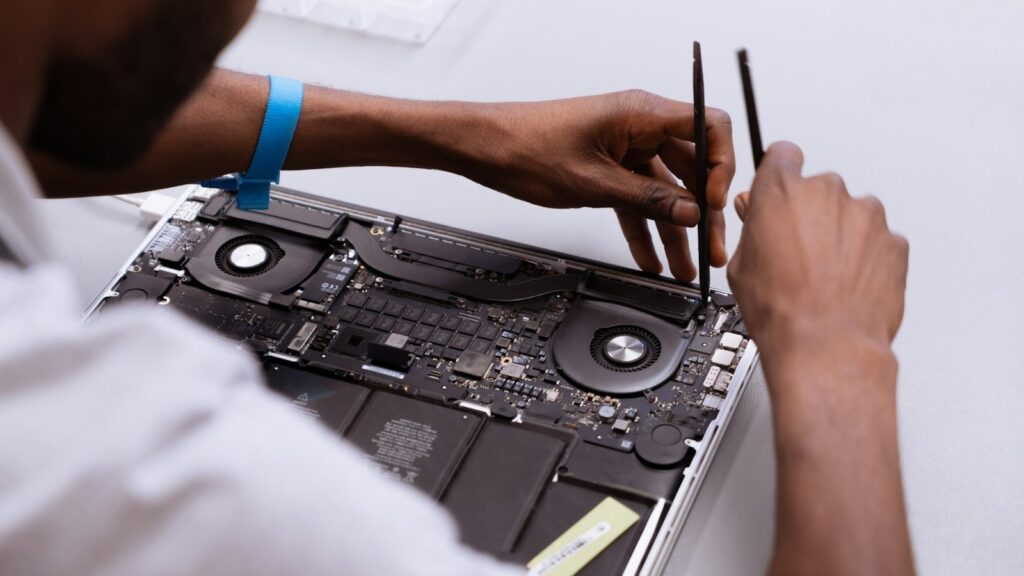
Removing viruses yourself: what you can do on your own
The phrase „free virus removal” often appears in search results, and this is partly justified: you can carry out the initial steps yourself. Windows computers have built-in „Windows Security” protection – run a full scan, and if the virus is hiding, choose an offline scan. It is also worth removing unknown programs and browser extensions that you do not recognise.
The limits of self-cleaning are clear. If a program blocks the antivirus, returns after removal, makes threats or demands money, and files are encrypted, it is better not to improvise – a wrong action can destroy data that could still have been saved. Virus removal performed by a technician at Taisykla7 is a paid service.
The question of „virus removal on a phone” deserves separate mention. On phones, malware most often shows up as ads, a quickly draining battery or unfamiliar apps. This page is about computers; for a phone, first consult a branch, and you can find general information about devices on the page phone repair.
- run a full „Windows Security” scan, not just the quick one;
- remove unknown programs via „Settings → Apps”;
- clear browser extensions and the home page;
- update Windows and your browser;
- if the virus returns or files are encrypted, contact a technician.
Do not install several antivirus programs at the same time – they interfere with each other and slow the computer down even more.
Is it worth removing viruses, or is it better to reinstall the system?
The answer depends on the extent of the infection. Adware, browser hijackers and simple trojans can usually be removed without changing the system, and your programs and settings stay in place. This is often the cheaper option.
If a virus has deeply damaged operating system files, the system keeps showing blue screens, or the infection returns after cleaning, reinstalling is often more reliable. In the case of cryptographic ransomware, files may remain encrypted, and you should not pay the criminals – even after payment, access is not always restored.
Before any decision, we talk about your data: documents, photos, work files. After diagnostics, the technician will tell you whether cleaning will be enough and will clearly state the price for both cases. The decision is yours.
Copy important files to an external drive or the cloud regularly – then even the most serious infection is not a catastrophe.
How to avoid viruses: simple habits and computer maintenance
Most infections get in not through a sophisticated attack, but through a single careless click: an email with an attachment „from a colleague”, a pirated program or a fake update window. This applies equally to a work, study, gaming or home computer, whether it is a laptop or a desktop.
Apple computers usually have fewer viruses, but adware and unwanted programs do not bypass them either. That is why the main rules apply to everyone: update the system, do not click suspicious links, and install programs only from official sources.
Do not always blame a virus for a slow computer. Dust, overheating and an old drive slow it down just as much. Learn more about everyday habits in the article computer maintenance at home, and about cooling – how a computer fan works.
- update Windows or macOS and your browser when prompted;
- do not open email attachments from unknown senders;
- use different passwords and, if possible, two-step verification;
- run a full antivirus scan at least once a month;
- make backups of important files.
How virus removal works
- Bring your computer to a branch. In Vilnius, Kaunas, Klaipėda and Šiauliai, visit a branch Mon–Fri 9:00–18:00. In other places in Lithuania, for example Panevėžys, Alytus, Marijampolė, Utena, Telšiai or Tauragė, we can collect the computer by courier. Tell us what symptoms you see and when they started.
- Diagnostics. The technician checks the system, running programs and the drive to determine whether it is a virus or a hardware problem.
- We discuss the price and your data. We tell you what we found, whether cleaning will be enough or the system needs to be reinstalled, and what the price will be. We start work only with your consent.
- Cleaning and data preservation. We remove malicious programs and, if necessary, try to copy important files beforehand. Most viruses can usually be removed the same day, but the timeframe depends on the specific case.
- Installing protection. We fix the system settings, install or configure antivirus protection and explain how to avoid reinfection.
- Pick up your computer. You collect your repaired computer. Before leaving, check that everything works.
Frequently asked questions about virus removal
How much does virus removal on a computer cost?
The price depends on the extent of the infection and on whether data needs to be copied or the system reinstalled. You can find it out from a technician at a branch, and we start work only with your consent.
Can I remove viruses myself?
You can do an initial scan yourself with Windows Security or another antivirus program. If the virus keeps coming back, blocks the antivirus or has encrypted your files, you need a technician, and this service at Taisykla7 is paid.
How long does virus removal take?
We usually remove most viruses the same day. If a large amount of data needs to be copied or the system reinstalled, the timeframe may be longer – this becomes clear after diagnostics.
Will I lose my files after cleaning?
Files usually remain, because we remove the virus without changing the whole system. If the system needs to be reinstalled, we try to copy important data beforehand, and we discuss this with you in advance.
Do you remove viruses on phones?
This page is for computers. For phones, ask at a branch, and you can read about other phone problems on the page phone repair.
Do you remove viruses on Apple computers?
Yes, virus removal is provided for laptops, desktops and Apple computers. On Apple computers, adware and unwanted programs are more common than classic viruses.
I don’t live in a big city. Can I send in my computer?
In addition to the branches in Vilnius, Kaunas, Klaipėda and Šiauliai, in other places in Lithuania, for example Panevėžys, Alytus, Marijampolė, Utena, Telšiai, Tauragė and the districts, we can collect the computer by courier.
Is my computer slow because of a virus or because of age?
This can only be determined by checking it. Slowness is often also caused by an old drive, too little memory or dust, so it is worth starting with diagnostics.