Bring it to the nearest branch or call
- Vilnius Kareivių g. 11A +370 655 77057
- Kaunas Savanorių pr. 155 +370 639 69600
- Klaipėda Sausio 15-osios g. 13 +370 647 07741
- Šiauliai Gegužių g. 30 +370 682 29052
All branches are open Mon–Fri 9:00–18:00
A navigation update is relevant when outdated maps no longer match the roads, for example new streets or roundabouts. This page offers an overview of ŠKODA navigation systems: which one uses a DVD, which an SD card and which a CD set, and how to identify yours.
Our branches operate in Vilnius, Kaunas, Klaipėda and Šiauliai, open Monday to Friday 9:00–18:00, closed at weekends. For car navigation enquiries, please call the separate phone number given on the page.
Why the navigation does not work: the most common problems
Before replacing the maps, make sure that the problem really lies in the old data, and not in the card, the disc or the system itself.
Navigation does not detect the SD card
Most often the card does not match the system version (e.g. an Amundsen card inserted into an Amundsen+), is inserted incorrectly or has a damaged contact.
What you can check yourself: Remove and reinsert the card, and check that it is the same system version under SETUP > VERSIONS.
At our branch we can check whether the card matches the system and select the suitable map set.
Shows an old map
The system contains old maps, or the new set was not fully installed.
What you can check yourself: Check the map version in the menu and compare it with the set of discs or cards you have.
The update requires a set suited to the system: DVD, SD or CD.
DVD or CD disc is not read
The disc is scratched or dirty, or the drive’s reading head is worn.
What you can check yourself: Carefully clean the disc with a soft cloth and try another disc.
If no disc is read, the system unit needs to be checked.
Lithuanian map is missing
The set used does not include a detailed map of Lithuania, for example the Nexus DX CD set.
What you can check yourself: Check whether the disc or card you have includes Lithuania.
It depends on the system, so please confirm at our branch.
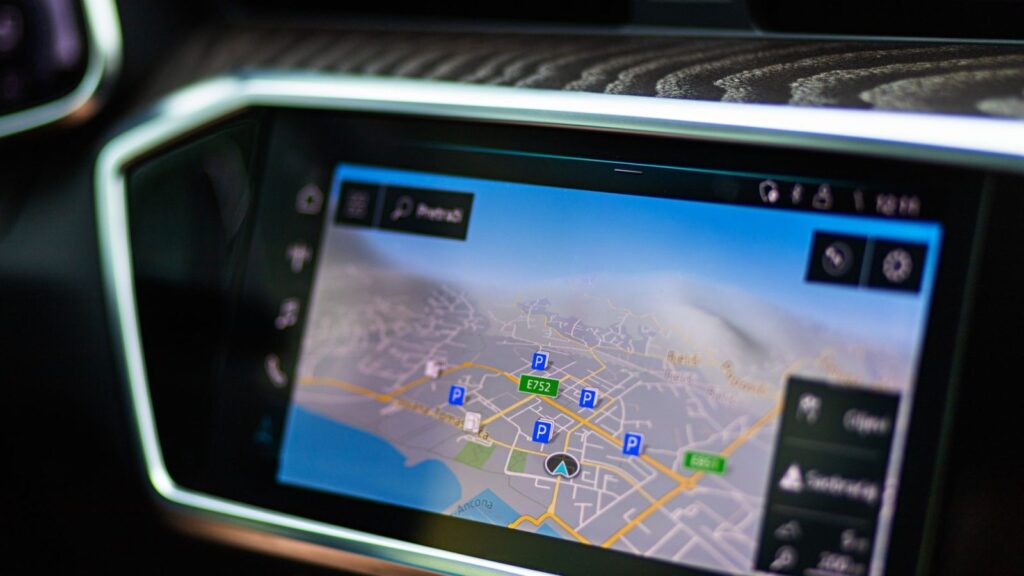
RNS Trinax Columbus with DVD (code sk1)
Two DVD discs are intended for this system. The first covers Western and Northern Europe: Ireland, Austria, Belgium, Denmark, Great Britain, Spain, Italy, Poland, Norway, the Netherlands, France, Finland, Sweden, Germany and other countries.
The second disc covers Eastern and Southeastern Europe with a detailed map of Lithuania, as well as Latvia, Estonia, Poland, the Czech Republic, Croatia, Romania, Serbia, Hungary and others. The system is suitable for Škoda Superb, Octavia, Rapid, Roomster, Fabia and Yeti models from 2007.
RNS Amundsen with SD (code sk2)
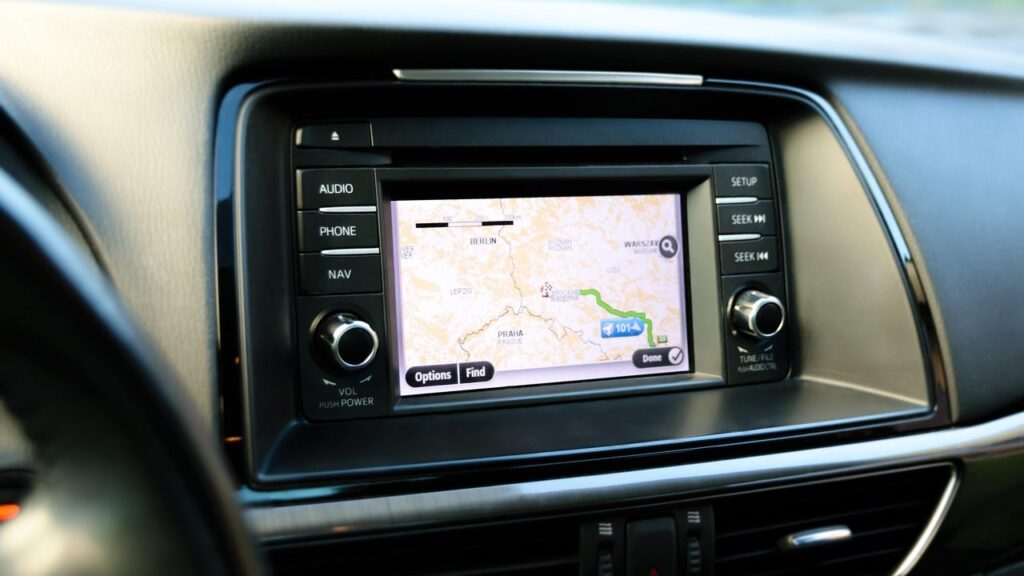
Two SD cards are intended for the Amundsen system: SD1 with Western and Northern Europe, and SD2 with Eastern Europe and a detailed map of Lithuania. For this system there is also an older map version with CD discs that update the SD card.
The CD set includes maps of Europe’s main roads (38 countries), separate discs for Germany, Italy, Spain and Portugal, Scandinavia and Turkey, as well as a disc with Poland, Lithuania, Latvia and Estonia.
- Škoda Superb, Octavia and Yeti – from March 2009
- Škoda Roomster and Fabia – from January 2010
- Škoda Rapid
Blaupunkt RNS Amundsen+ with SD (code sk3)
The Amundsen+ system uses two SD cards with content similar to Amundsen: SD1 – Western and Northern Europe, SD2 – Eastern Europe with a detailed map of Lithuania. The system is suitable for Škoda Superb, Octavia, Rapid, Roomster, Fabia and Yeti models from 2011.
Amundsen+ has an internal memory, whereas Amundsen does not.
How to tell Amundsen and Amundsen+ apart
The two systems look identical, but their cards are not interchangeable, so be sure to check your version before buying.
Press and hold the SETUP button for 5–10 seconds, then select VERSIONS. If 3 lines of information are displayed or the software version is 026x or 04xx, you have Amundsen. If 6 lines are displayed, it is Amundsen+.
If you are unsure about the readings, take a photo of the VERSIONS screen before ordering and show it at a branch.
Nexus DX with CD (code sk4)
For the Nexus DX system, we offer a set of European maps on ten CDs. It covers Austria, Switzerland, Belgium, the Netherlands, the Czech Republic, Poland, Germany, Italy, the Scandinavian countries, Spain, Portugal, France and Great Britain, as well as a disc with the main European roads.
This set does not include a map of Lithuania, so with it only the main roads will be visible in Lithuania.
Navigation systems of other makes
If your car is of another make, you can find map update options on the navigation updates page. For portable TomTom, Garmin and iGo devices, there is a separate page. To learn how GPS itself works, read the article.
How to choose a navigation update
- Determine the system type. Check whether your ŠKODA has Trinax Columbus, Amundsen, Amundsen+ or Nexus DX. Tell Amundsen and Amundsen+ apart via SETUP > VERSIONS.
- Check the year of your car. System support depends on the model and date of manufacture; for example, Amundsen+ is intended for models from 2011.
- Visit a branch. No appointment is needed – simply drop by your nearest branch in Vilnius, Kaunas, Klaipėda or Šiauliai during opening hours (Mon–Fri 9:00–18:00). You can find contact details on the contacts page.
- Choose a set. Together with a branch employee, select the DVD, SD or CD maps suitable for your system and confirm the price.
Questions about navigation updates
How can I find out which navigation system my ŠKODA has?
Most often it is enough to look at the system name on the device or in the menu. Amundsen and Amundsen+ are distinguished via the SETUP > VERSIONS menu. If you are not sure, show the screen at a branch or give us a call.
Does an Amundsen card work with an Amundsen+ system?
No. Although the systems look identical, their cards are not interchangeable. Determine the actual version before ordering.
Does Nexus DX have a map of Lithuania?
According to the contents of the set – no. It includes Poland, the Czech Republic and other European countries, as well as the main European roads, but there is no detailed map of Lithuania.
Is the navigation update free of charge?
A free update is not mentioned on this page. The price depends on the system type and the map set, so it is worth confirming it with a branch.
Can the navigation of a Škoda Kodiaq be updated?
The systems described on this page are intended for Superb, Octavia, Rapid, Roomster, Fabia and Yeti models. The Kodiaq is not on their list, so please call us and confirm which system is installed.
When can I come to a branch?
All branches in Vilnius, Kaunas, Klaipėda and Šiauliai are open Monday to Friday, 9:00–18:00. We are closed on weekends.